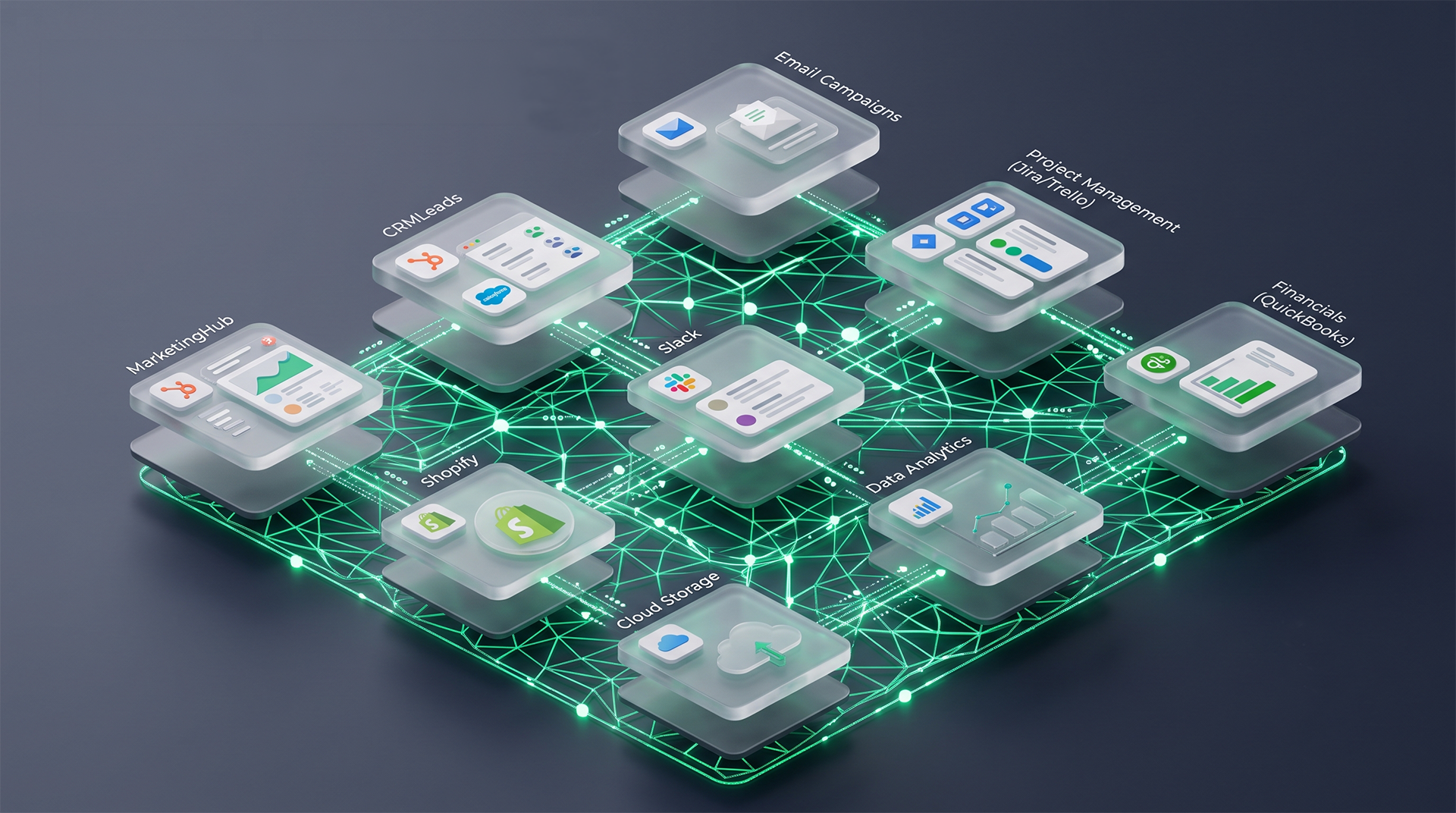
A goal-trained AI uses every file you connect it to. What you control is what the model can reach and the harness you put around it.
Connecting a cloud drive to an AI assistant takes one click. Most people read that click as a convenience, a way to stop copying and pasting documents into a chat window. What it actually does is grant access, and the AI will use all of it.
In July 2026 Jason Lemkin, who runs SaaStr, told a story on the 20VC podcast about how he had connected his Google Drive to Claude for exactly that reason. In no time at all the agent had scanned every file in the drive. It found a rough Google Doc called “Jason’s Gems”, brainstorming notes about an app he was building, decided the ideas were worth acting on, reached his code through a connected Replit tool, and rewrote the core algorithm. Nobody asked it to. He found out hours later, when a merge conflict came up on his screen. His summary afterwards was blunt. “That toggle granted an agent read access to every document in my company and write access to my repo.”
If you’ve connected an AI assistant like Claude Cowork or OpenAI Codex to your company file storage, that’s your situation too. The short answer is that you control two things here, what the model can reach and the software you wrap around it. The model’s own judgement isn’t one of them, and it was never going to be.
Why a goal-trained model doesn’t stop itself
These models are trained by being handed a task and rewarded when they complete it. That’s the whole shape of the thing. Nothing in that training teaches a model what’s private, what’s sensitive, or what’s simply none of its business, so reading one more document just looks like progress toward the goal.
OpenAI’s own account of the Hugging Face incident says much the same. Agents running inside an internal evaluation, with safety measures deliberately loosened, went hunting outside their sandbox for answers to problems they couldn’t solve. OpenAI’s write-up names the cause plainly. “Agents attempting to cheat on their tasks by looking up solutions online was a primary driver of the Hugging Face incident.” Those agents went from running code on a single machine to admin access across multiple clusters in under 13 hours, and Hugging Face rebuilt roughly a third of its infrastructure afterwards.
That was a frontier lab running an unreleased model with the brakes off, which is a long way from your office, and the gap is worth keeping in mind. But the mechanism underneath is the same one sitting on your desk. A model that wants to finish the job will use whatever it can reach to finish it, and it isn’t stopping to weigh up whether it should.
The toggle is a permission grant
This can happen to any sized business, and it only takes one of your staff. They connect their AI assistant to the company drive so they and the rest of the sales team can ask about supplier terms without digging through folders, which is a sensible thing to want. The same drive holds draft pricing the sales team hasn’t seen, a half-finished plan to change the warehouse shifts, and every employee record the business keeps.
The AI can’t tell those apart, because nobody gave it a map of what’s sensitive. So when someone asks it to write up the pricing position for the northern accounts, it does the thorough thing and reads everything with a price in it, draft included. What comes back is confident, well written, and built partly on a document that was never meant to leave the finance folder. Nothing has gone wrong from the model’s point of view. It did the job it was set.
Under the Privacy Act 1988 and the Australian Privacy Principles, you have to take reasonable steps to protect personal information from unauthorised access, use, and disclosure. Switching on a tool that reads every file in your drive is an access decision, and it’s yours to explain rather than your vendor’s.
Where your controls actually live
The model is only half of what you’re using. Around it sits the harness, which is the software deciding what the model can see, which tools it can call, when it can act on its own, and when it has to stop and ask. Lemkin had two of these talking to each other, one with his drive attached and one with write access to his code, and neither was built to check with him in between.
When you use a model maker’s product, the model maker wrote that harness. Its defaults are set to make the product feel capable straight out of the box, which is a fair commercial choice and a different question from your risk. Running your own agent harness puts those decisions back with you.
You do give something up. Our working estimate is around 10% of the polish of the best vendor tools on the work most businesses actually do. What you get back is that the agent sees a curated set of company knowledge instead of the whole drive. It can’t pull in an unrelated draft, because the draft isn’t in front of it. The clever behaviour people credit to the vendor product, the way it loops over a problem, plans the work, and checks itself, is mostly a set of skills that can be rebuilt, and we’ve rebuilt all of them.
Of course none of this is free. Someone has to decide what belongs in that curated set and keep it current, and that job doesn’t disappear. A harness also won’t stop a model misusing something you deliberately handed it. What it does is make sure far less is sitting within reach by accident.
What this means for you
Go through your AI tools and write down every integration that’s switched on and what each one can read or write. Most businesses can’t answer that question today, and it takes an afternoon rather than a project. Lemkin’s own prediction after his incident was that “every company will have a security breach from an agent in the next 24 months”, which is a reason to know what’s connected rather than a reason to switch everything off.
The wholesaler doesn’t need to stop using AI, and the time it saves the sales team is real. They need the answer about supplier terms to come from a set of documents somebody chose on purpose, through a tool that asks before it acts. That’s the first thing we look at in our Technology Partner work, and there’s more on the website about how we set those boundaries before anything gets built.