
Wiring the production line into the warehouse with Azure Data Factory
The outcome we're after.
A manufacturer already collects the data that explains its plant. Machine cycle counts, MES job records, ERP work orders, quality and scrap logs. The trouble is that it lands in separate systems and only reaches the floor as an end-of-shift spreadsheet, hours after the run it describes. Azure Data Factory, orchestrating that data into a SQL Server warehouse, turns those scattered feeds into trustworthy OEE. Availability, performance and quality, downtime reasons and scrap, on one Power BI screen and refreshed through the day instead of typed up by hand after the shift has gone home.
Book a discovery call 
The numbers a plant gets too late to use
A manufacturer already has the data that explains its plant. The problem is reaching it in time to act. Machines log cycle counts and faults. The MES knows which job ran when. The ERP holds the work order and the product behind it. Quality keeps its own record of what passed and what was scrapped. The story of the shift is in there. It just sits in four systems that do not talk, and reaches the floor as a spreadsheet someone keys in after the run is over.
By then the moment has passed. A line that drifted slow at 10am shows up at the production meeting the following week, long after the cause has gone cold. OEE, the standard measure that folds availability, performance and quality into one figure, gets calculated by hand from partial inputs, so two people produce two numbers and the meeting argues about which spreadsheet is right rather than what the plant should do. Scrap is reported as a single plant-wide percentage that hides the one machine and one product where the loss actually sits.
The usual fix makes it worse. Someone writes a script to pull a machine export, another exports the MES to a shared drive, and a third stitches them in Excel. It holds for a month, then a tag gets renamed, a machine drops offline overnight, and the totals stop matching the ERP. The work was never the chart. It was getting four intermittent, disagreeing sources to reconcile, reliably, every shift, without a person babysitting the export.
Why Azure Data Factory orchestrates this, not hand-rolled scripts
The aim is one warehouse the whole plant reads OEE from, fed reliably from every source. We headline these builds on Microsoft Azure, and specifically on Azure Data Factory, as the service that wires the production line into the data warehouse. It connects to machine historians, the MES, the ERP and quality systems, copies and transforms each feed on a schedule or a trigger, and orchestrates the lot as pipelines we can monitor, retry and reason about when something breaks.
The reason to use Azure Data Factory over hand-rolled scripts and manual exports is reliability under real shop-floor conditions. A script assumes the source is there. The shop floor does not oblige. Machines drop offline mid-shift, a maintenance window restarts a historian, and a feed arrives late or twice. Azure Data Factory handles that as orchestration rather than heroics. It retries a failed pull, watermarks each source so it catches up after an outage without double-counting, and copes with a renamed tag instead of silently loading the wrong column. A pile of cron scripts gives you none of that, and every fix lives in one person’s head.
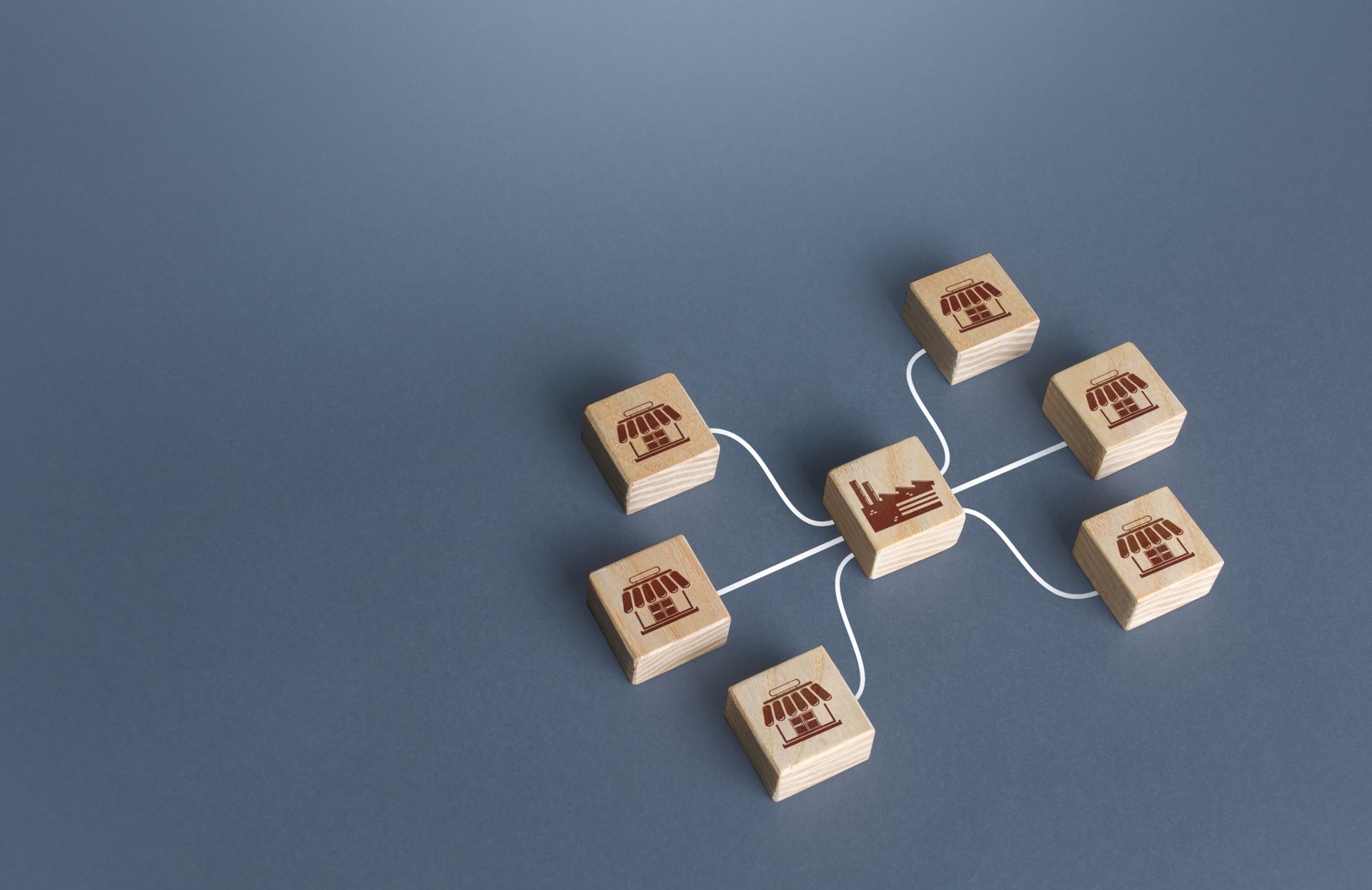
Underneath, the data lands in a SQL Server warehouse modelled as a clean star schema, with a conformed time-and-shift dimension and shared machine and product keys so the four sources line up. Power BI reports OEE, downtime and scrap from that single warehouse, not from ad-hoc extracts, so availability, performance and quality are each defined once and agree across every view. Staff data, where it appears in shift and operator records, stays in an Australian Azure region and is handled under the Privacy Act 1988.
Building it, and where it got hard
The hard part was never the pipeline plumbing. It was making the OEE number trustworthy enough that the floor would act on it, and that came down to the data being messy and intermittent in ways the first build did not survive.
Three problems showed up together. Machines dropped offline and came back, so a naive pull either missed a run or counted it twice. Timestamps disagreed, because the machine historian, the MES and the ERP each kept their own clock and none matched the plant’s shift calendar, so a stoppage straddling shift handover landed in the wrong bucket. And the same downtime got coded three different ways by three operators, so “changeover”, “setup” and “tooling” all meant the same stop. Put together, the early OEE numbers were close but never reconciled, and a number that is nearly right is a number nobody trusts.
The fix was resilient pipelines plus a deliberate model. We made the Azure Data Factory pipelines retry and watermark, so an offline machine caught up cleanly on the next run rather than corrupting the count. We built a conformed time-and-shift dimension that pinned every source to one clock and one shift calendar, so a 10:58pm stoppage sat in the shift it belonged to. And we standardised the downtime-reason codes, mapping the operators’ free-text and local codes to one agreed list, so reasons added up instead of scattering. Once availability reconciled against the ERP’s run times and scrap tied back to the right job and machine, the plant stopped re-checking the dashboard against its own spreadsheet and started using it.
What changed
In a representative build, OEE moved off the end-of-shift spreadsheet and onto an automated refresh through the day. Supervisors saw availability, performance and quality for the run in front of them, not a figure typed up after the shift had gone home. Downtime detection moved with it. A stoppage and its standardised reason surfaced within the shift, so a recurring fault got chased the same day rather than at the next weekly meeting. And matching quality and scrap records to the right job and machine showed where loss actually sat, which a single plant-wide scrap percentage had averaged away.
These figures are illustrative. They describe the pattern we see when the data reconciles, not a published result for a named manufacturer. The shift is the point. The data that was always on the floor starts reaching the people running the line while the run is still on, in numbers they trust because they add up. That is the difference between OEE as a number to act on and OEE as a spreadsheet to argue about.
Where this fits
A production-analytics pipeline is one application of our Data Insights and Analysis service, built on Microsoft Azure with Azure Data Factory, for Australian manufacturing. It is a contained, high-return starting point, because the data already exists and the value comes from orchestrating it reliably and modelling it so OEE reconciles. It sits apart from a shop-floor ERP and MES integration, and from a predictive-maintenance build. This is about getting trustworthy production numbers in front of the floor daily. If your plant is still running on end-of-shift spreadsheets, the place to start is to map your machine, MES, ERP and quality data and decide the handful of OEE and downtime views that would change what the line does next.
Representative outcomes
OEE visibility
A representative build moved OEE from a manual end-of-shift spreadsheet to an automated refresh through the day, so supervisors acted on the current run rather than yesterday's.
Faster downtime detection
Standardised downtime-reason codes and live machine feeds surfaced stoppages and their causes within the shift, instead of surfacing them at the weekly production meeting.
Reconciled scrap
Matching quality and scrap records to the right job and machine exposed where loss actually sat, which a plant-wide scrap percentage had averaged away.
This solution applies our Data Insights & Analysis service, built primarily on Microsoft Azure , for the Manufacturing sector.
Supporting stack: Power BI, SQL Server.
Go deeper: Data Insights & Analysis for Manufacturing .
Related solutions.

Representative Solution. An illustrative scenario based on how we deliver, not a named client engagement. Outcome figures are representative, not published results.
Frequently asked.
What is Azure Data Factory and how does it work?
Is Azure Data Factory an ETL tool?
How do you combine machine, MES and ERP data that never quite agree?
How do you handle messy, intermittent shop-floor data?
How is Azure Data Factory costed, roughly?
Put trusted OEE in front of the floor
We will map your machine, MES, ERP and quality data and show you the OEE, downtime and scrap views Azure Data Factory and Power BI can put in front of your plant each day.
Book a discovery call